
 Current position > Product detail
『TDS-100 Ultrasonic Flow Meter』Related information(clamp on meter|electromagnetic meter|venturi meterrotameter|orifice meter|ultrasonic flow meter|mass flow meter|coriolis mass flow meter|coriolis flow meter|magnetic flow meter|magmeter flow meter|magflow flow meter|mag meter flow meter|electromagnetic flow meter|vortex flow meter|turbine flow meter|thermal mass flow meter|thermal flow meter|rotameter flow meter)
1. Purchase of Ultrasonic Doppler Open Channel Flow Meter
2. TDS-100P Portable Ultrasonic Flow Meter Chinese Manual: [5]
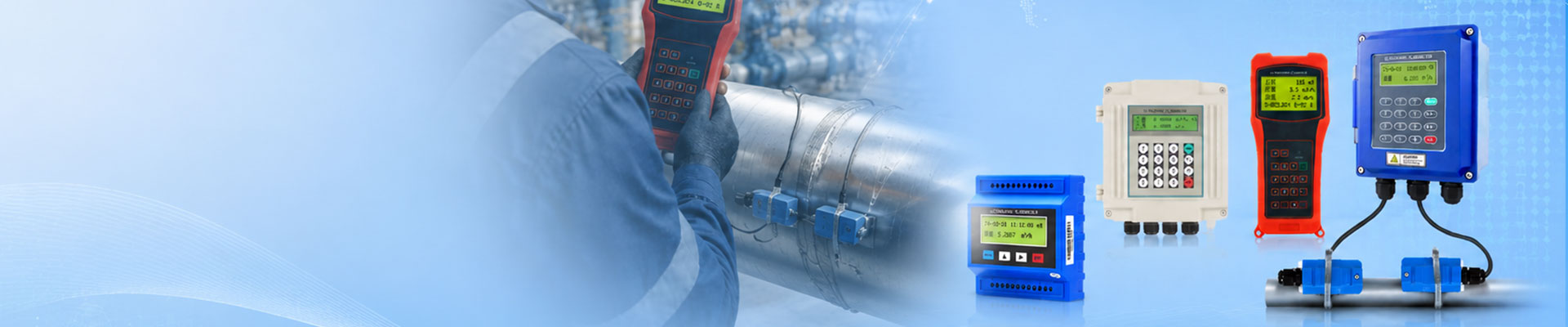
TDS-100P Portable Ultrasonic Flow Meter Chinese Manual This manual mainly introduces the usage method and common troubleshooting solutions of TDS-100P portable ultrasonic flow meter. Product Overview TDS-100P Portable Ultrasonic Flow Meter is a high-precision, non-contact flow measurement instrument suitable for real-time monitoring of liquid flow in industrial pipelines. Its core advantages include portable design, multi parameter measurement function, and strong anti-interference ability. Usage and installation steps: Select the measuring pipeline: Ensure that the pipeline material is uniform, without severe corrosion or deformation. Installation of sensors: Select the corresponding model of sensor based on the diameter of the pipeline, use V-shaped or Z-shaped installation method, and maintain the angle between the sensor and the pipeline axis as required. Connecting the sensor to the host through a dedicated cable to ensure a secure interface. Parameter settings: Enter parameters such as pipeline inner diameter, wall thickness, and fluid type to complete initialization calibration. Operation process: Power on self-test: After the host is started, it automatically detects the sensor connection status and system errors. Real time measurement: Press the "Measure" button to display data such as instantaneous flow rate, cumulative flow rate, and flow velocity. Data storage: Export historical data through built-in memory or USB flash drive, supporting Excel format export. Shutdown operation: Long press the power button for 3 seconds, confirm that there is no unsaved data, and then turn